Create, assign, and track every job in one place, with photos and documents attached right to the work order.
- Create & Assign Work Orders
- Technician-Created Work Orders
- Work Order Status Tracking
- Job Classification
- Photo & Document Attachments
Real-time visibility into work orders, scheduling, and technician status, all in one connected system.
Running field crews often means juggling schedules, dispatch notes, technician time, truck inventory, and billing across different systems. Field Operations brings it all together, giving your office and technicians one place to manage the work from scheduling through completion. It is built for the way service and installation crews actually operate, whether you are managing two trucks or twenty.
Field Operations can work on its own, giving you everything you need to schedule, dispatch, track work, and invoice customers. If you also use Inventory & Purchasing or Financial Management, the systems can connect so equipment used on a job and technician hours flow through automatically.
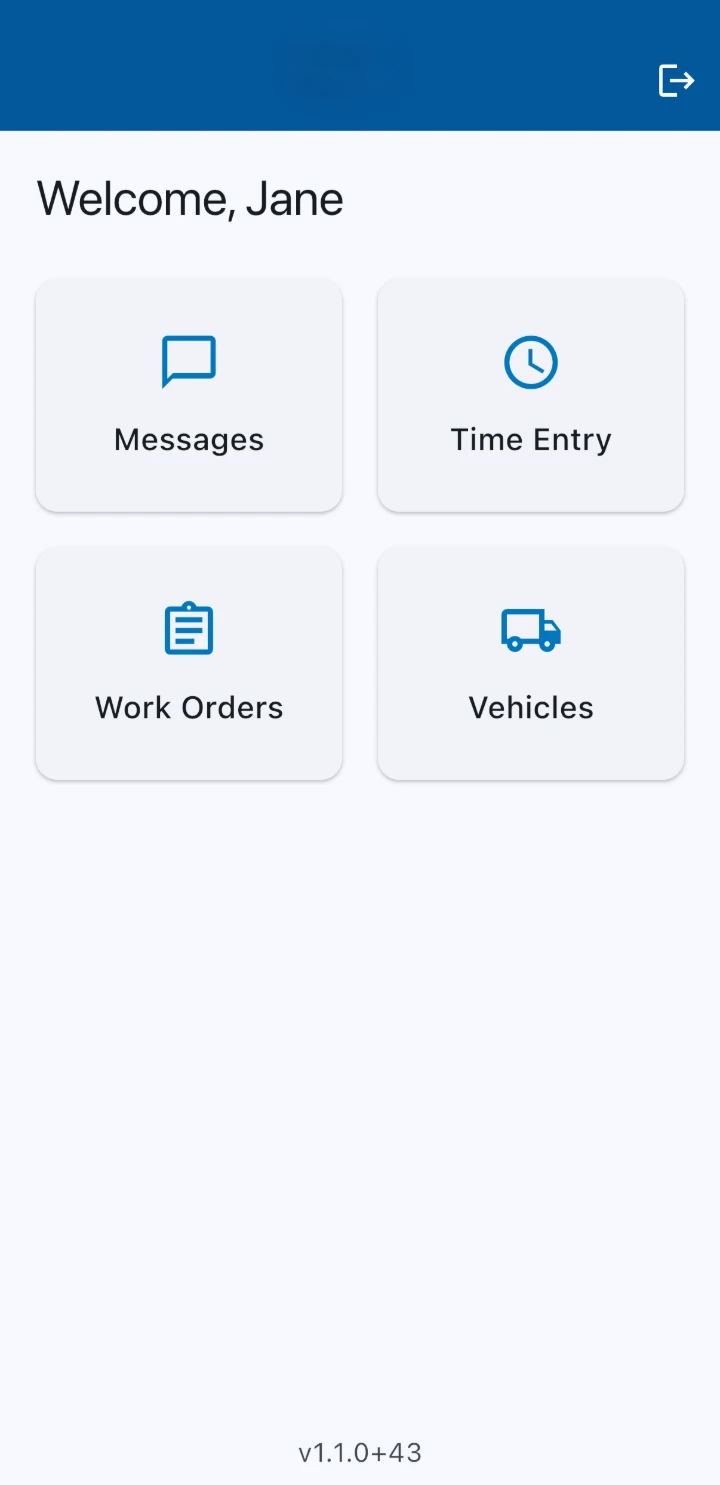
Whatever a technician logs on-site shows up for dispatch and the office right away, no phone tag required.
Technicians keep working with no signal, and updates sync automatically the moment they're back online.
Office staff see job status, technician location, and completed work as soon as it syncs.
Create, assign, and track every job in one place, with photos and documents attached right to the work order.
Build the day's schedule with a drag-and-drop dispatcher view that shows exactly who's available and when.
Complete work orders, log time, and clock in or out, all from a phone or tablet in the truck.
Keep every vehicle assigned, inspected, and up to date, with maintenance and registration tracked automatically.
Pull equipment from inventory, install it on the job, and track it by serial number on the work order report.
Turn a completed work order into an invoice, and pull a report with technician notes, photos, and job codes for every job.
We talk through how your crews get scheduled, dispatched, and tracked today.
01We configure work orders, scheduling, fleet, and equipment to match how your team operates.
02Before anything goes live, you look over the setup and tell us what to adjust.
03Once you're up and running, we're the ones you call when something needs to change.
04Yes. The mobile app works offline, so technicians can keep updating work orders and logging time in areas with no signal, and everything syncs automatically once they're back online.
Yes. Fleet Management covers digital safety inspections, maintenance schedules, and registration and insurance tracking, so nothing lapses without anyone noticing.
Yes. Technicians pull equipment from inventory and install it as part of the work order, with serial numbers tracked on each item, and it all ties back into Inventory & Purchasing.
Yes. The dispatcher view shows technician availability and job status as it updates, and jobs can be scheduled or reassigned with a simple drag and drop.
Yes. It's built on the same system as Inventory & Purchasing and Financial Management, so equipment and hours logged in the field don't need to be re-entered anywhere else.
Yes. A completed work order can be turned into an invoice without starting over, and every job has a report available with technician notes, photos, and job codes attached.
Yes. Role-based permissions control what technicians, dispatchers, and office staff can access, so each person only sees what their job requires.